Do You Need a Domain?
A domain-based email address belongs on tax documents and contracts. Here's when your business needs one and how to set it up with Google Workspace or Zoho


Do I need a domain for my business? It's a question most freelancers hit after sending their first invoice from a personal email address.
Your business email address is a credential. It appears on your Schedule C, in your client's inbox, and on every invoice you send. A @gmail.com address works fine for personal correspondence. On a tax document or a contract, it signals something you may not intend: that the professional and the personal haven't been separated.
That signal matters. A domain-based email address (yourname@yourbusiness.com) isn't a cosmetic upgrade. It's the same ownership principle that applies to every system you use for your business: the asset is yours, the identity is yours, and it doesn't disappear if a platform changes its terms.
What a domain actually gives you
A domain is a name you register and own, typically for $10–20 per year through a registrar like Namecheap, Google Domains (now migrated to Squarespace), or Cloudflare. Once registered, you can connect it to an email provider to create professional addresses: hello@yourbusiness.com, invoices@, tax@, whatever your workflow needs.
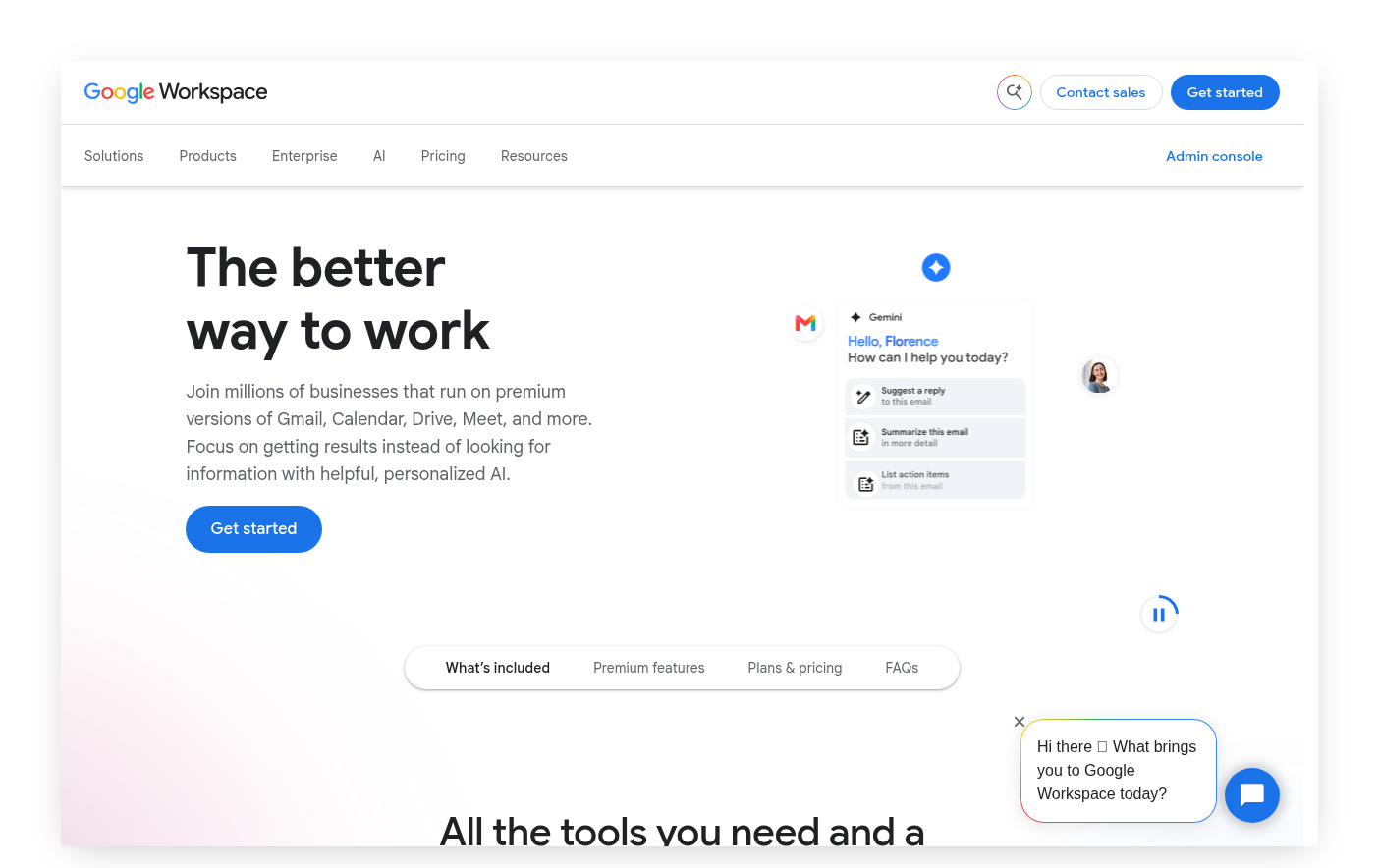
The email hosting is separate from the domain registration. Google Workspace (under $10/month) adds a professional address to a Google account. Everything works exactly as it does in Gmail, including Google Drive and any Sheets-based tools you already use. The address is domain-based, but the infrastructure is the same.
Google Workspace connects your domain's DNS settings to its mail servers. Your registrar's control panel handles the DNS configuration; most providers include step-by-step documentation.
The IRS filing argument
The practical case for a professional email comes into sharpest focus at tax time. A Schedule C summary carries your name, your EIN or Social Security Number, and your business income. It goes to your tax preparer. It may be reviewed by an auditor. The email address associated with that filing is a presentation of your professional identity.
This isn't about the IRS requiring a domain-based address. They don't. It's about consistency of ownership. The same logic that applies to keeping your business records in a system you control, filed under your own Google Drive rather than locked in someone else's database, applies to the email address that represents your business. A @gmail.com address is real estate on someone else's platform. A domain-based address is yours.
When you don't need one
A domain isn't urgent if you're early-stage, testing a business idea, or operating entirely informally. If your clients know you personally and the business is pre-scale, a @gmail.com address creates zero friction.
The calculus shifts when you're writing contracts, working with a tax preparer, accepting payments, or building any public-facing presence. At that point, the domain-based address costs less than one billable hour to set up and lasts for years.
The setup, briefly
- Register a domain at any major registrar. Pick one close to your business name, shorter is better.
- Choose an email host. Google Workspace is the simplest option if you already work in Google's tools.
- Update the DNS records at your registrar per your host's instructions. This takes 15–30 minutes of active work; propagation takes up to 48 hours.
- Update your email address anywhere your business is represented: invoices, contracts, accounting records, professional profiles.
Step 4 is the one most people skip. The address change has no value if it doesn't reach the places where your professional identity actually lives.
One thing worth knowing
If you use Google Workspace for your domain-based email, you're still using Google's infrastructure. Your familiar Drive, Sheets, and all tools that connect to your Google account work identically. The professional address doesn't add friction; it attaches your domain name to the same system you already use. For self-employed people who run their business records inside Ledger & Light, that connection is already there.